Once X-Plane 10.30 goes final*, we will also update X-Plane on Steam to version 10.30. The update for Steam users will be applied using Steam’s normal updating system, not the X-Pane updater. (Basically if you installed via Steam, you update via Steam; if you installed via Laminar Research’s installer, you update via our installer.)
How soon will it be available? I don’t know; this is the first patch we’ve done via Steam. We’ve done literally one hundred patches (including betas) for X-Plane 10, so we know how long it takes to cut a patch, upload it to the servers, etc. For Steam, we’re just learning this now. I am hoping it will only lag our installer by a few days at most, but Steam is new to us and partly out of our hands (in that it’s Steam’s servers doing the downloads).
* So far it looks like 10.30r2 will be final, but I will look at the submitted bugs tomorrow.
X-Plane 10.30r2 is out now. You should go get this RC and try it. I believe it is very likely to go final in the next week.
There are known bugs* in 1030r2 – the plan is to put 1030r2 out as final, then issue 10.31 in perhaps a week or two to mop up about a dozen bug fixes that didn’t make in.
By getting 10.30 out now, third parties can stop holding their breath and ship aircraft that use the new GPS.
By giving 10.31 another week or two we lower the risk profile on some of those extra bugs.
There’s always one big bug that gets reported as soon as we go final, so a 10.31 is inevitable; we might as well plan for it.
X-Plane 10.30 has had an incredibly long beta period, so our goal is to get it out now and unblock third parties.
August 28, 2014, Columbia, South Carolina. Laminar Research is pleased to announce the release of its Airport Scenery Gateway, as well as an updated and improved version of its airport scenery tool, World Editor 1.3. The Airport Scenery Gateway can be accessed on the internet at http://gateway.x-plane.com and the new and improved version of World Editor is available for download at http://developer.x-plane.com under Scenery Tools.
The Airport Scenery Gateway was created to facilitate the populating of X-Plane with 3D airport sceneries that are consistent in quality and appearance, error-checked, and will work with a standard installation of X-Plane 10. During the past several months Laminar Research has received hundreds of airports designed by World Editor users. World Editor is an airport scenery creation and editing tool for Laminar’s X-Plane 10 that allows the typical X-Plane user to create airport scenery.
By establishing an internet gateway for scenery submission, it is now possible with World Editor 1.3 for users to automatically submit airport scenery contributions directly to the Airport Scenery Gateway. X-Plane users can visit the Airport Scenery Gateway to search for airport scenery submissions. The scenery can then be immediately downloaded into X-Plane 10 before it appears in a scheduled X-Plane update.
If your airport is not already in X-Plane 10.30, please use the Gateway to share it via WED 1.3; do not send it directly to Robin. At this point Robin should only be getting navaid patches. You must use WED 1.3 to upload to the Gateway!
The airports that are already in 10.30 are uploaded by ‘WEDBot’, which is an account we used to transfer our existing collection into the Gateway. As users share data, we will start to get good attribution; I think this is important because we will know who to contact to sort out issues with airports.
If you could not upload an airport due to a missing ICAO, we are working on this now.
We are working on a Linux build of WED 1.3 and will post it as soon as we resolve the chaos of shipping a working app on multiple distributions. mroe has done great work to make Linux happen.
We will periodically ‘roll’ shared airports into X-Plane via point releases to the sim. I do not recommend collecting a huge pile of Gateway custom scenery packs; they will simply conflict with newer data from X-Plane when it comes out. The ability to download a pack directly from the Gateway is meant for authors who want to view the state of a pack and possibly modify it. The gateway is not meant to be a scenery file sharing site.
Finally, I think this has been discussed before, but…custom scenery authors:
Always put exclusion zones around your custom airports! Even if there are no 3-d buildings at an airport today, they may appear in the next update.
With the Gateway open, 3-d is going to appear quickly!
Technically I’m kind of out on paternity leave right now, but a quick update on some, um, stuff!
X-Plane 10.30r1 is out. Honestly, if you don’t know where the bug base and release notes are now, it’s too late. We’re in RC already! (I cut this RC about a week later than expected due to said paternity leave above – I’m sorry for the chaos this has caused third party developers who want to ship add-ons requiring the new GPS.)
WED 1.3 and the X-Plane Airport Gateway should debut in the next week I think – I’m cutting an RC now.
Philipp is working on updating our Oculus Rift support for the new SDK and DK2 dev kits. The SDK for the Rift changed a lot recently, and the docs/sample code are actually out of sync with the SDK, so I’m not sure how soon he’ll be able to tie this up. We’ll cut a 10.31 with this code as soon as we have it.
X-Plane 10.30 beta 8 is now (after 27 hours of syncing!) live – more bug fixes listed here.
Aircraft, scenery and plugin authors: this may be the last beta; if things go well we’ll cut an RC next week. If you have been ignoring 1030, go get beta 8 immediately! If you have been ignoring your users reports of problems with 1030, please start investigating.
If there is something in your add-on that doesn’t work with 1030, we don’t know about it and we can’t fix what we don’t know about. Please get this beta and make sure your add-ons work as expected!
X-Plane 10.30 beta 8 is mirroring to our servers now; this beta contains a pile of recut DSFs, fixing some of the worst DSF bugs. I will post a complete list of recut DSFs in the release notes; what follows are just a few hilights from really prominent DSFs.
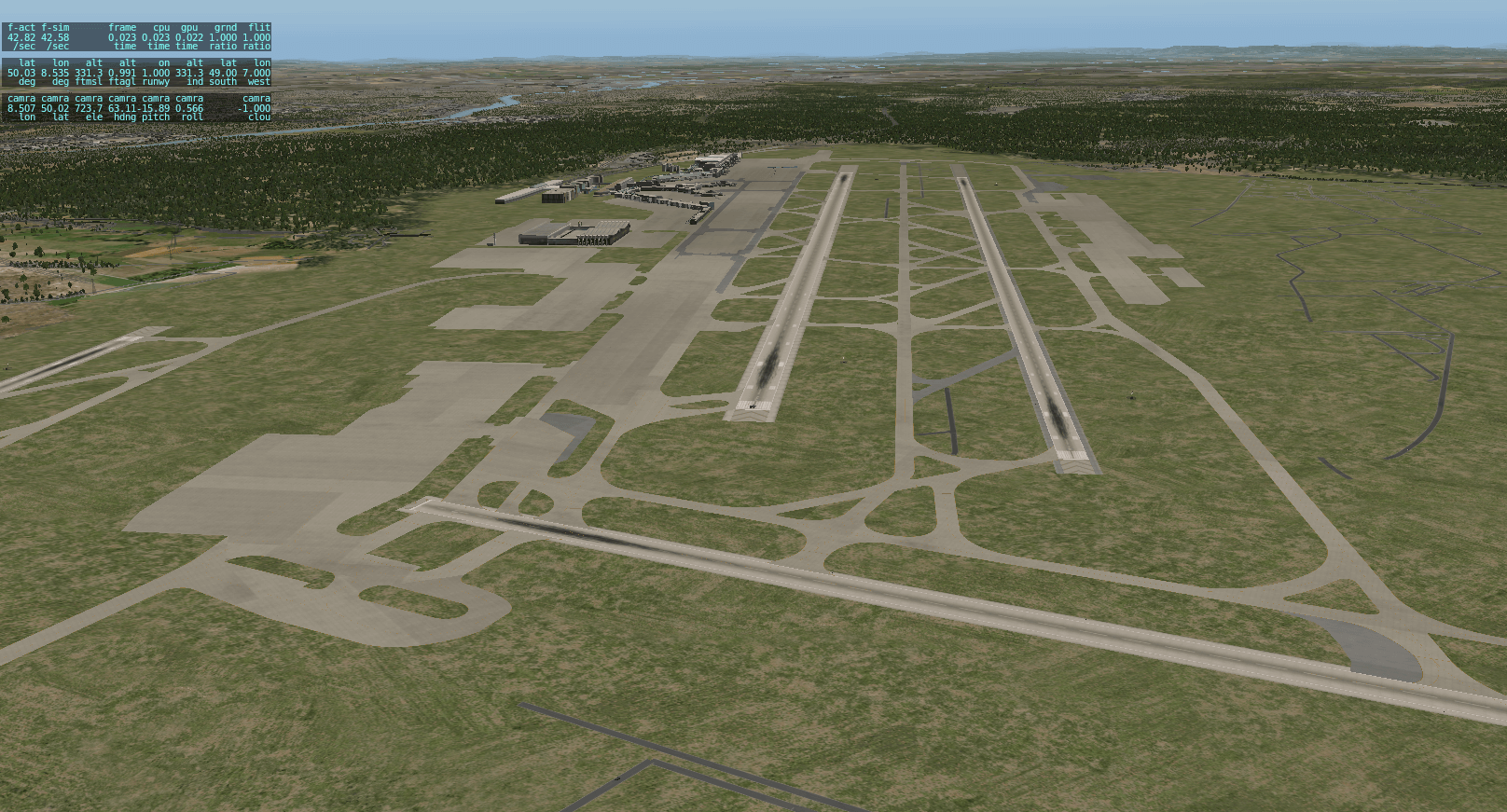
Terrain recut to match the complete airport.
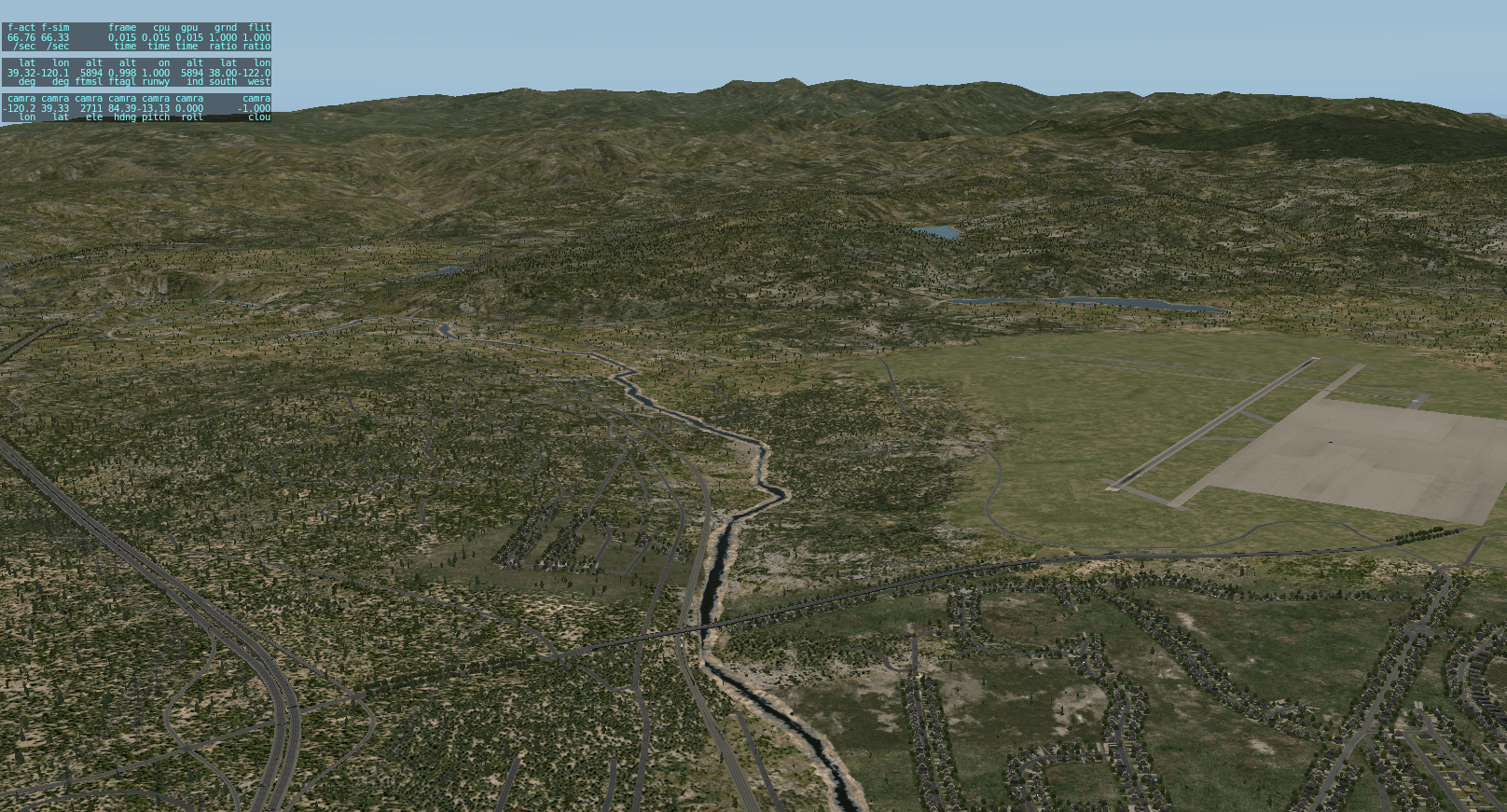
The truckee River is back, connecting Pyramid Lake and Lake Tahoe
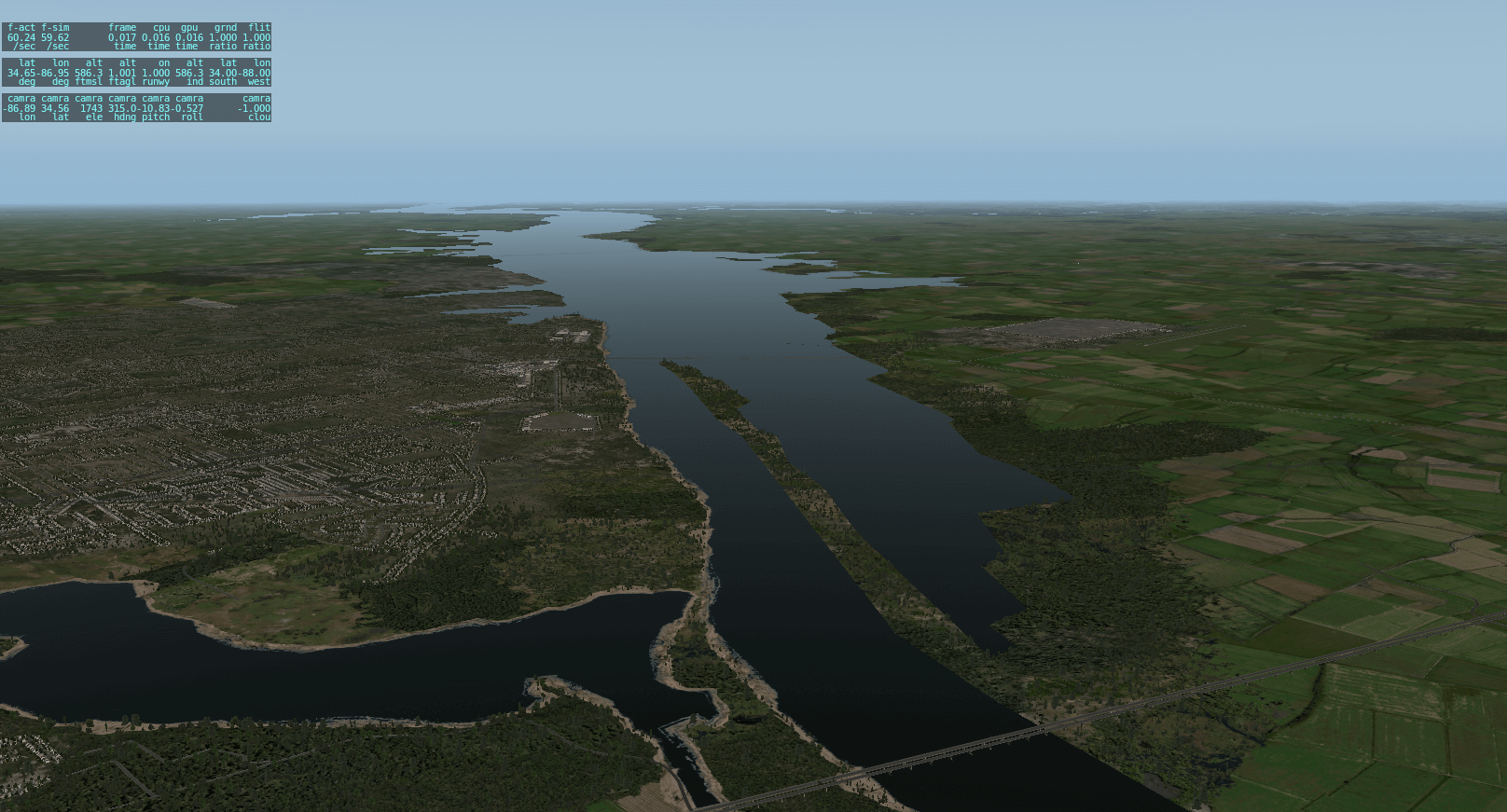
The Tennessee River is back.
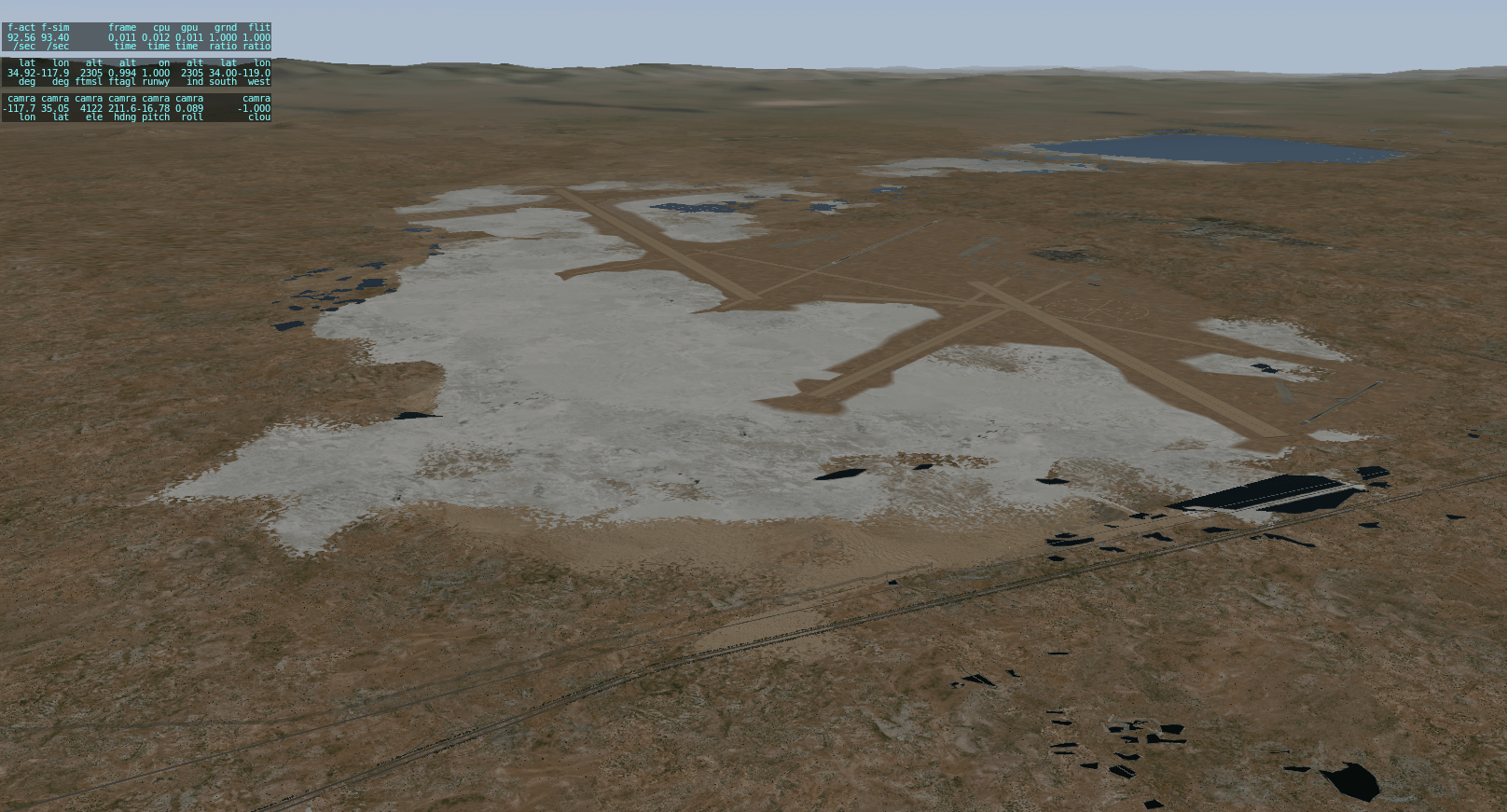
The lakes near Edwards AFB are now Salt Flats. One is still wet – it wasn’t fixed in OSM when we pulled data.
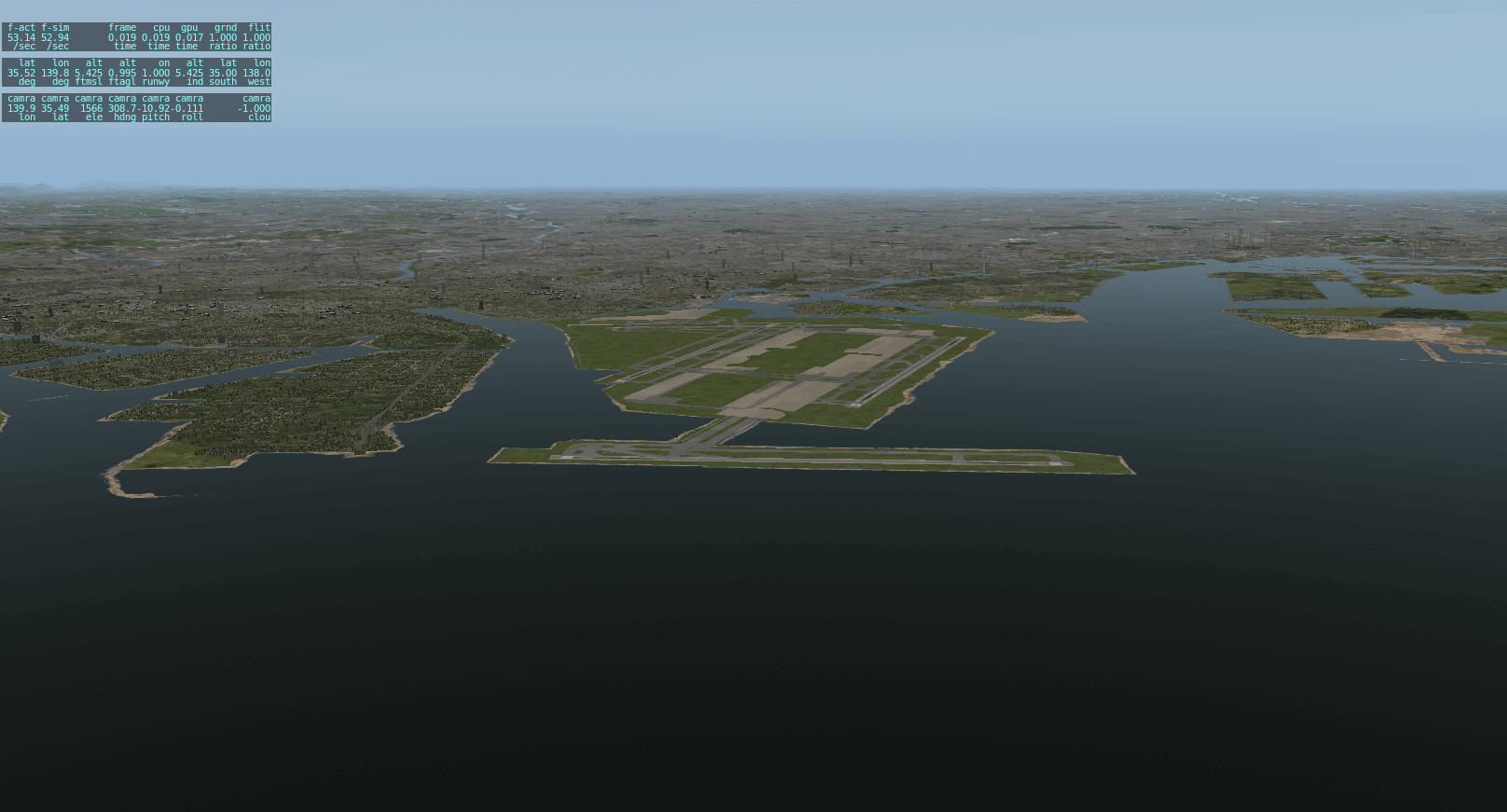
Terrain recut to support new runway in Tokyo.
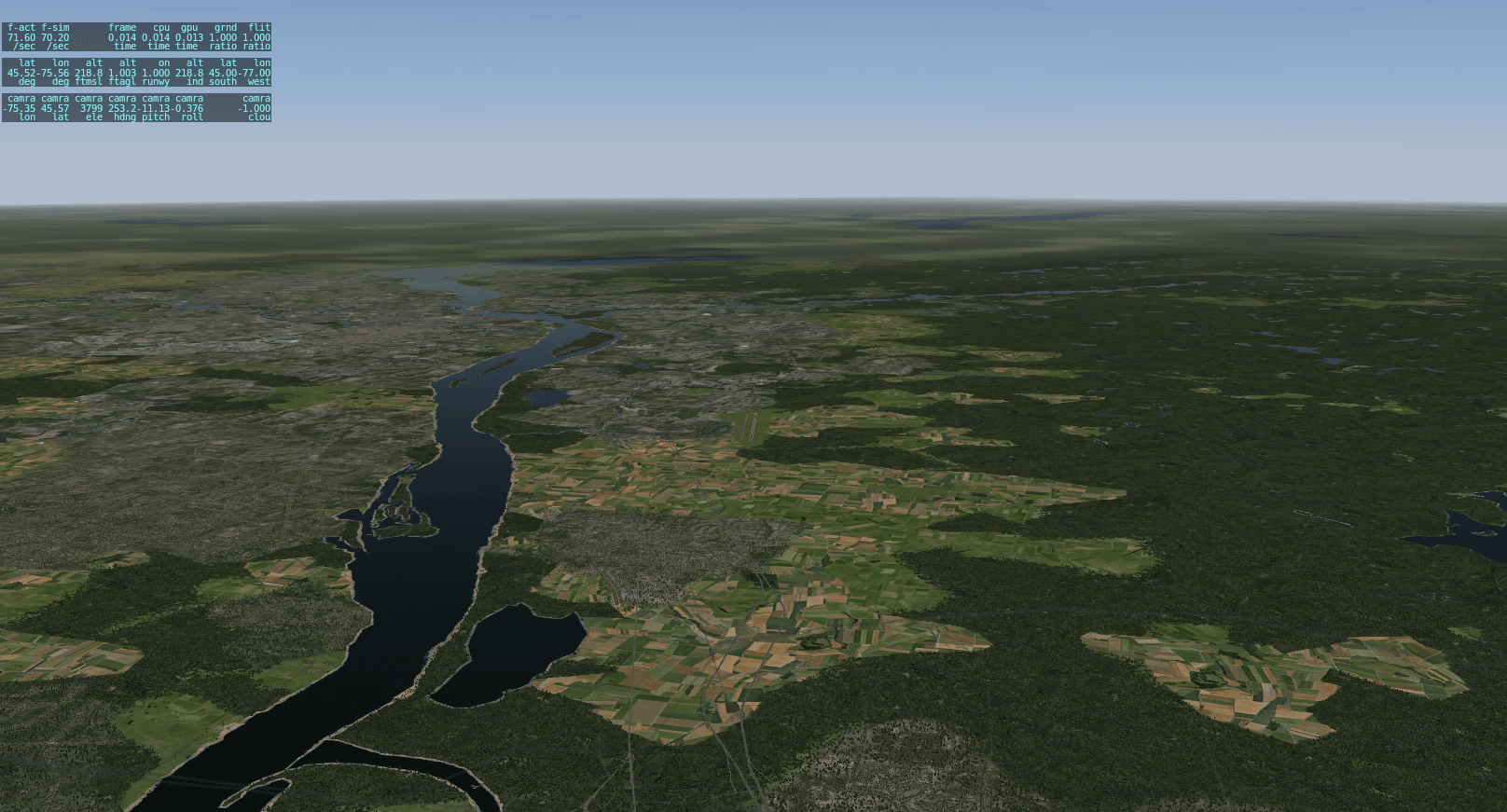
The Ottowa River is back, eh?
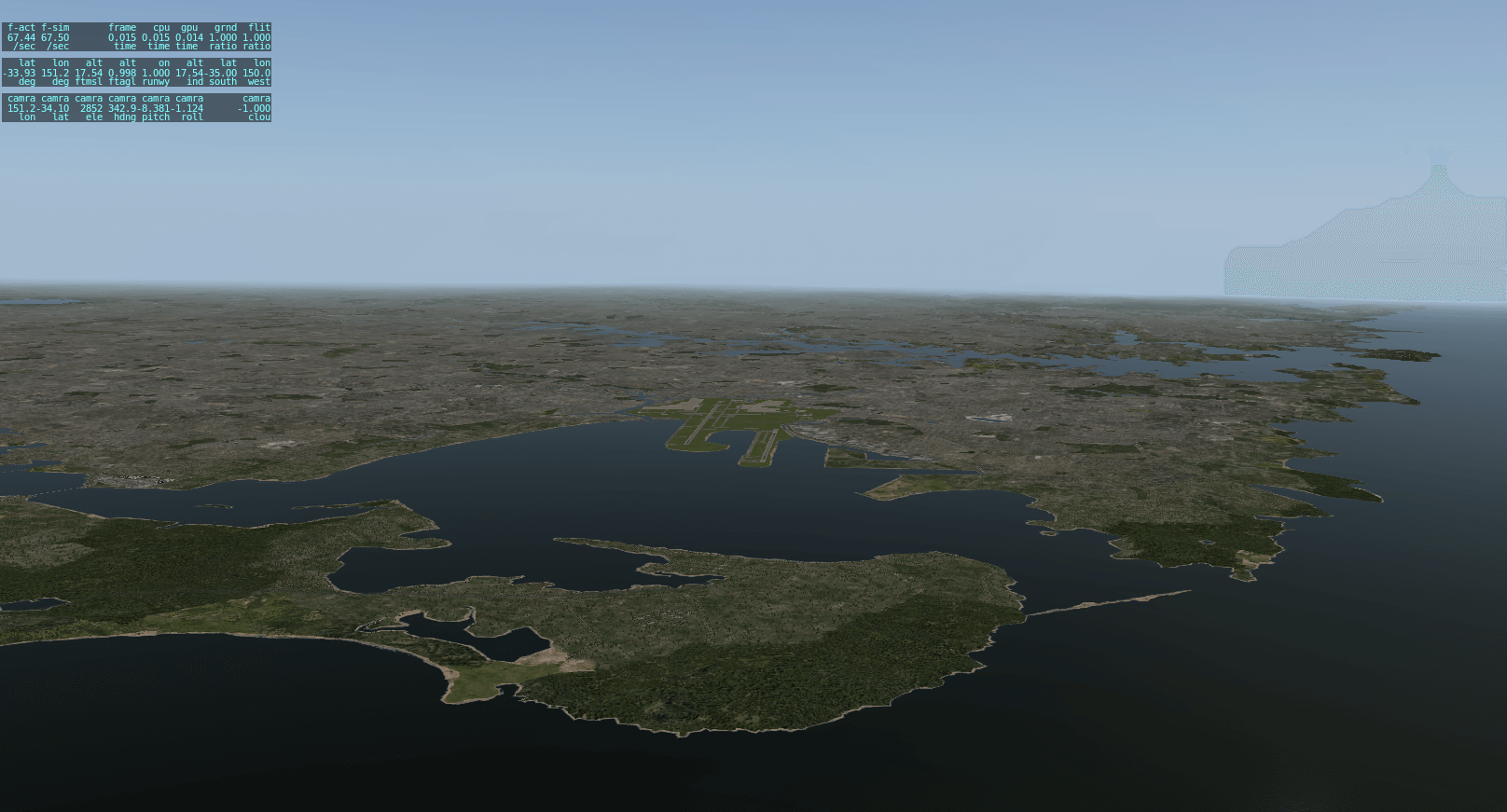
Botany Bay is now…a bay.
Terrain recut around new runway development.
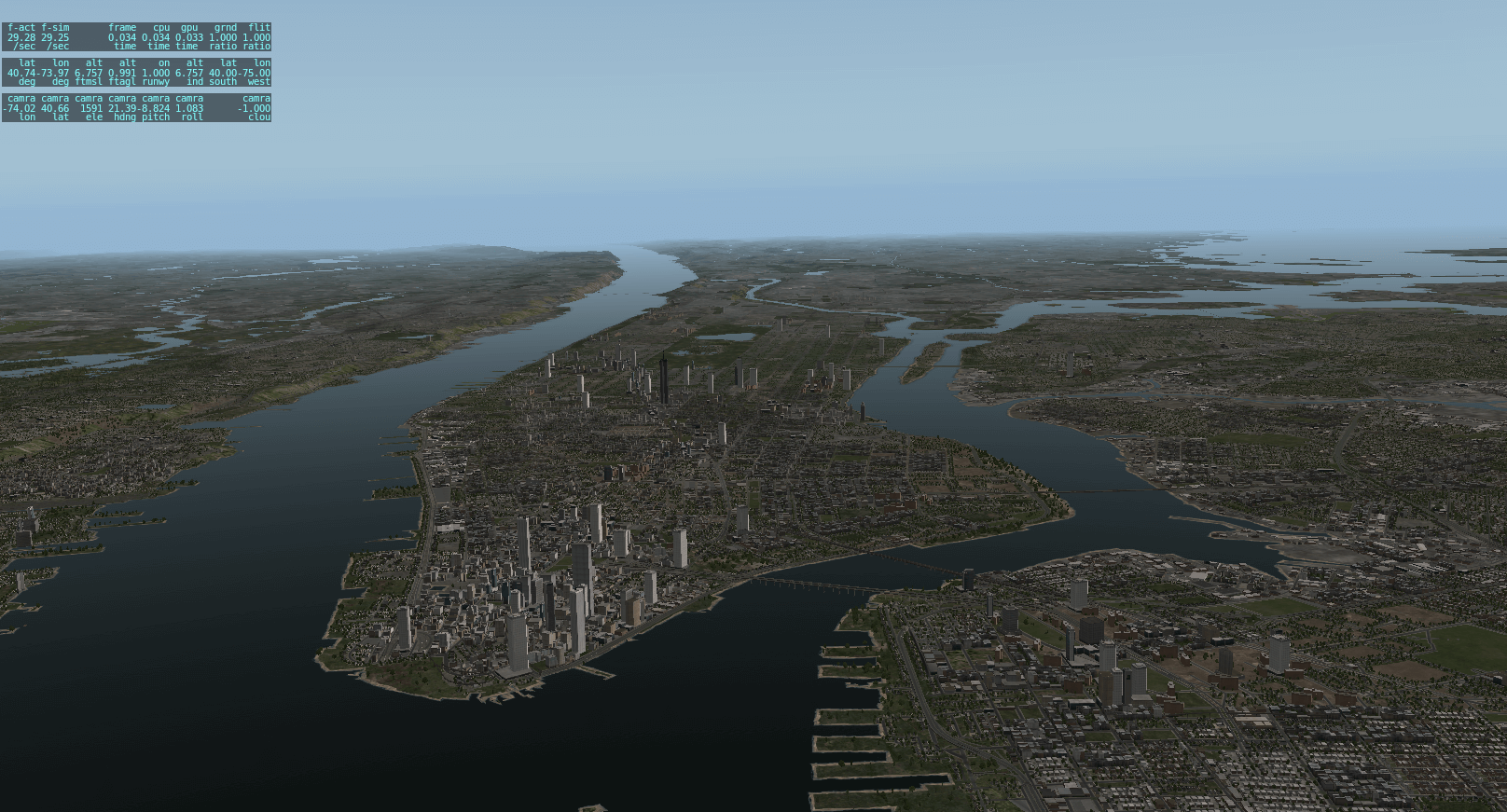
Beaches underneath the Manhattan bridges fixed.
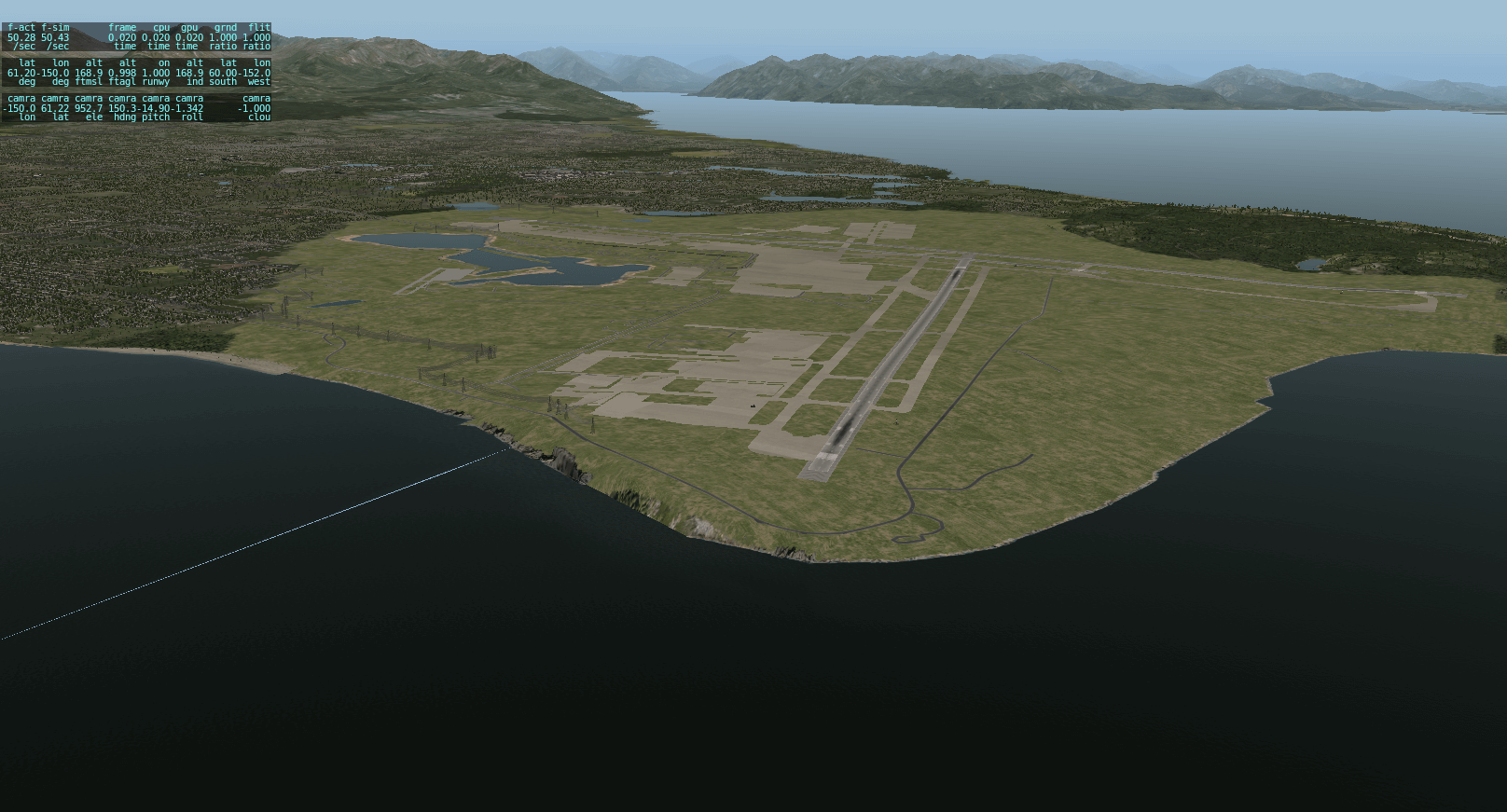
Lake Hood restored.
The mountains are fixed – the originals were affected by a bad DEM.
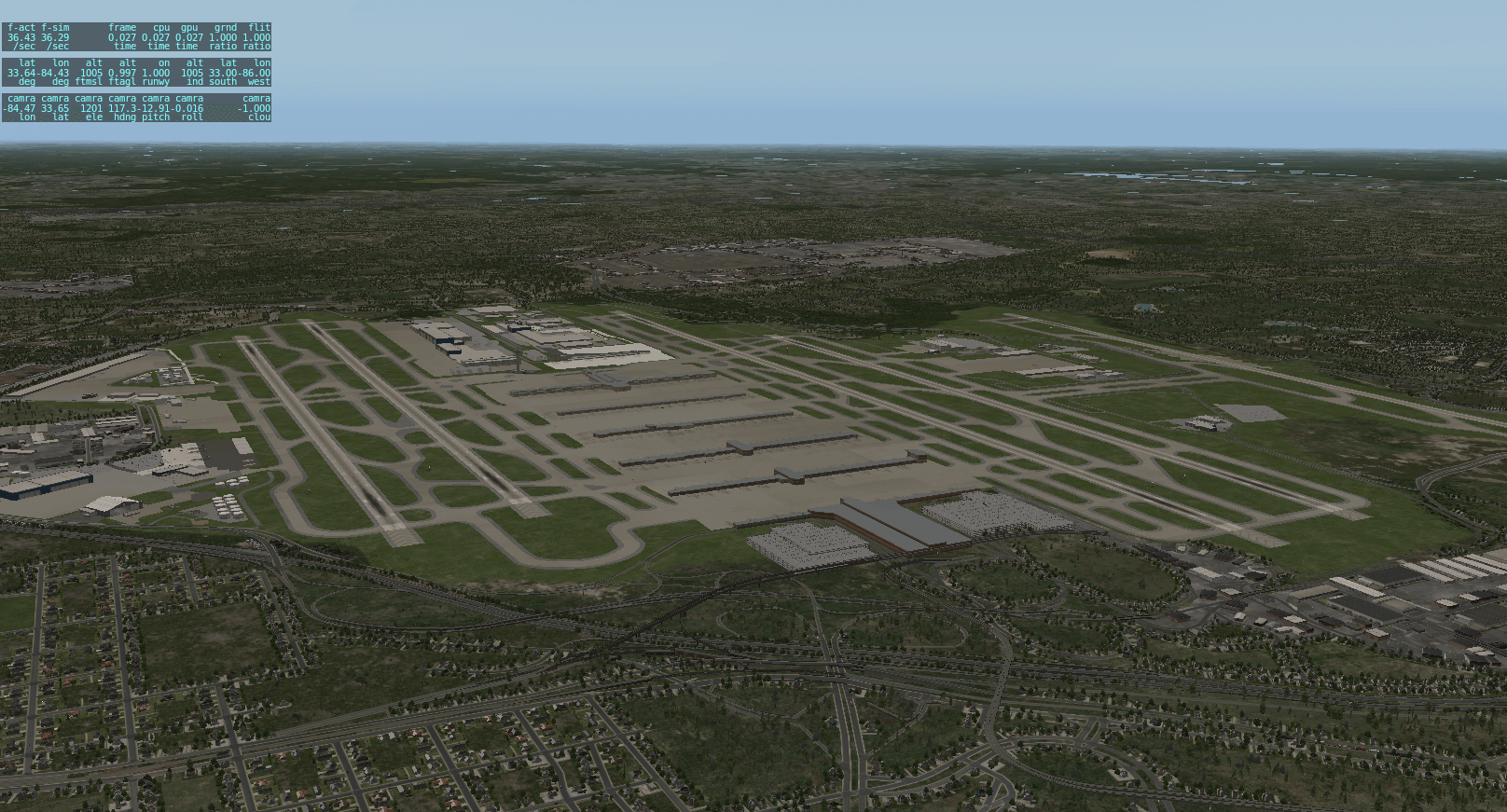
Terrain recut to reflect new airport area as they expand KORD.
Terrain recut with airport included. This airport is still a bit wild, but have you seen the real airfield?!?!
I’m not sure how long the mirror will take to finish; I’m hoping we’ll go live with the beta tonight or tomorrow.
The X-Plane updater will download scenery updates if (and only if) you have the base scenery installed. So if you have the entire world installed, you’ll get the entire set of updates (the DSFs themselves are about 500 MB); if you only have the US, for example, you’ll get some tiles but not others, and if you just have a demo, you’ll just a core file update.
If you install scenery later, simply run the updater again (the install-scenery function gives you a chance to run an update at the end of DVD scenery install) to get any fixed DSFs you might not have gotten at the time.
(Alpilotx had a good suggestion for the installer that I’d like to do in the future: an option to skip scenery updates. This would let users get a sim update immediately, and then fetch the scenery later if bandwidth is tight.)
X-Plane 10.30 beta 7 (finally) went live this morning.* More bug fixes made it in, and the bug in the airport library that was stopping so many scenery packs from loading is now fixed.
* The master server was busy doing a backup and thus took forever to push out the beta to the download sites – I actually cut the beta Sunday night. I ended up pausing the backup temporarily but not until we’d lost a day.
X-Plane 10.30 beta 6 is out; as with the entire 10.30 beta 6 run, complete release notes are here. The release notes are meant to be a complete reference; what follows is a few of the major things you might notice in beta 6 (if you’ve managed to update).
Frame Rate
Beta 6 fixes a major performance problem from the X-Plane 10 betas. Beta 6 also sets the cloud graphic settings to match 10.25, so at this point 10.30 should be as fast or faster than 10.25 in all cases.
Airports
We used the X-Plane Airport Gateway to consolidate over 750 airports that users sent to Robin since X-Plane 10.25. These updates include over 300 new airports and hundreds of updates. You’ll get these lego-brick airports automatically with the update.
I’ll post more about the gateway in a future post, but I believe that at this point WED 1.3 and the gateway are ready to go into beta shortly.
Please do not send any more airport updates to Robin; the gateway will go into beta soon, and we’d like to use it to collect all future changes. (You can only imagine how much work it was for Robin to gather up 750 airports by hand! We imported them into the gateway ourselves to test the gateway and get control of the process.)
GPS In the Default Aircraft
With beta 6 we now have the new GPS in the C172, the Kingair, and the Baron; all have the full res GPS in the 3-d cockpit, and the Kingair even gives you dual GPSs.
Still More On the Todo List
There’s still more bugs to fix. On the top of my list is fixing bugs with the cloud visuals, and with their base height (which sometimes doesn’t match what you set in the weather settings). I am also working on getting a few majorly borked DSFs fixed in the next beta (Sydney, Rio, etc.). I’m hoping for another beta by Tuesday, which will also fix the auto update bug.
Where to File Bugs
I say something about filing bugs using the bug report form in every post, and yet readers try to post bugs on the blog. Since writing “don’t do that” in each post clearly doesn’t work, I’m going to try it using the Swedish Chef translator.
Fur zee lufe-a ooff ell thet is mooppet, pleese-a du nut pust boog repurts tu thees blug. Pleese-a use-a zee boog repurt furm – a furm dedeeceted tu nutheeng boot…boog repurts. Iff yuoo pust a boog repurt tu zee blug, I veell delete-a it. Bork Bork Bork!
So…you have been warned – keep posting bug reports to the blog comments and things will only get sillier.
I just discovered that apparently automatic update is broken in X-Plane 10.30 beta 5.* If you are participating in the X-Plane 1030 beta program, then when you receive an automatic notification of a newer beta, then installing the beta will fail with an error number 2 or 3 (depending on what OS you are on).
Update: many users are not affected by this problem. The reason: older auto-updates leave the installer in the right place, so this bug only hits you if you haven’t done a recent, functional auto-update, e.g. from beta 1 to beta 2. Since my X-System folder was relatively clean (due to my recent C drive face-plant) this bug did hit me.
If you see this bug, here is how you can work around this.
Launch X-Plane. When X-Plane tells you there is a new beta, click “Get Beta”.
When the installer downloads, click “Update”.
When you hit the error message, click “ok”.
When X-Plane finishes launching, quit.
Go to your Output/preferences folder and locate the installer. It will have a name “X-Plane 10 Installer.app” on Mac, “X-Plane 10 Installer Windows.exe” on Windows, and “X-Plane 10 Installer Linux” on Linux.
Move the installer out of Output/preferences directly into your X-Plane folder, so that it is next to the X-Plane application.
Re-launch X-Plane. When X-Plane tells you there is a new beta, click “Get Beta”.
At this point, auto-update will work normally.
A few notes on beta 6 coming shortly…
* There are two things that are particularly annoying about this kind of bug: first, you can’t just get an auto-update to get the bug fix, because auto-update itself is broken, and second, because we didn’t find out that auto-update was broken until shipping beta 6, the bug is still in beta 6, so it’ll take another update to fix it. However, you will only need to use this ‘fix-it’ procedure once.